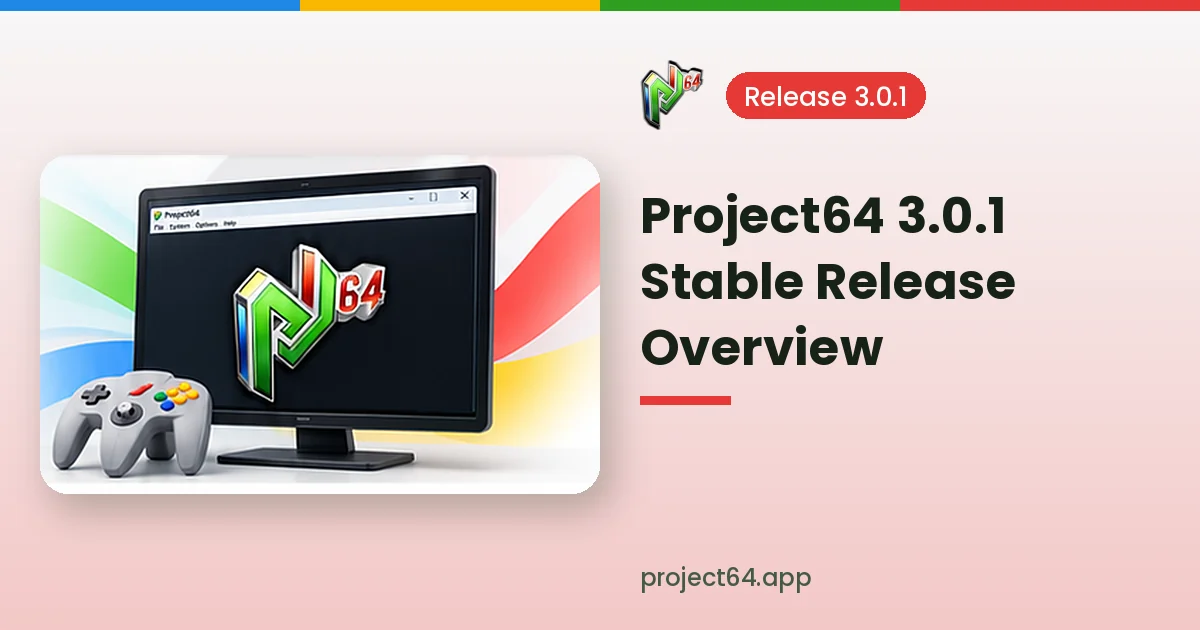
Project64 3.0.1 is listed in public references as the stable release published in July 2021, and many players still search for it by name when they want a dependable version of the emulator. This overview explains what the 3.0 series offers, how it compares with older and newer builds and how to set it up comfortably.
Where Project64 3.0.1 Fits in the Timeline
Project64 has a long history that began in 2001. Major milestones include the widely used 1.6 release, the 2.x series that arrived after the source code became public, and the 3.0 series that brought further refinements to the emulator and its default plugins.
| Series | Context |
|---|---|
| 1.6 | Classic release still referenced by some speedrun communities |
| 2.x | Introduced after the public GitHub repository opened in 2015 |
| 3.0.x | Stable series, with 3.0.1 listed as a July 2021 release |
| Development builds | Newer commits published between stable releases |
What the 3.0 Series Offers
The 3.0 series focuses on the everyday features most players care about: dependable game loading, save states, fullscreen display, flexible controller mapping and a choice of graphics, audio and input plugins. Nintendo 64 Disk Drive support is also part of the wider feature set.
- Plugin choice: swap video, audio and input components for better compatibility.
- Save states: store and restore progress at any moment in supported games.
- Controller mapping: keyboard and gamepad configuration through the input settings.
- Per-game settings: compatibility options stored for individual titles.
- Fullscreen mode: switch between windowed and fullscreen play.
Stable Release or Development Build?
A stable release such as 3.0.1 suits players who want predictable behaviour. Development builds can include fixes added after the stable release, which may help with specific games, but they also carry a higher chance of new bugs or unfinished features.
Many players start with the stable release and only try a development build when a particular game shows a problem that has already been fixed in newer code. Keeping a separate folder for each version makes switching easy.
Setting Up Project64 3.0.1
Setup follows the same pattern as other Project64 releases. Download the Windows release, install or extract it, open the emulator and visit the settings before loading your first game. A few minutes of configuration usually saves time later.
- Choose a folder for your own game files and point the ROM browser to it.
- Open the input settings and map buttons for your keyboard or gamepad.
- Review the video plugin and pick a resolution suited to your monitor.
- Test save states in a game before relying on them for long sessions.
Recommended First Settings
| Setting | Suggestion |
|---|---|
| Video plugin | Start with the default plugin, then test alternatives if needed |
| Resolution | Match your monitor or reduce it on older hardware |
| Aspect ratio | Keep the original 4:3 ratio to avoid stretched visuals |
| Input device | Select your gamepad and test every mapped button |
System Requirements to Check
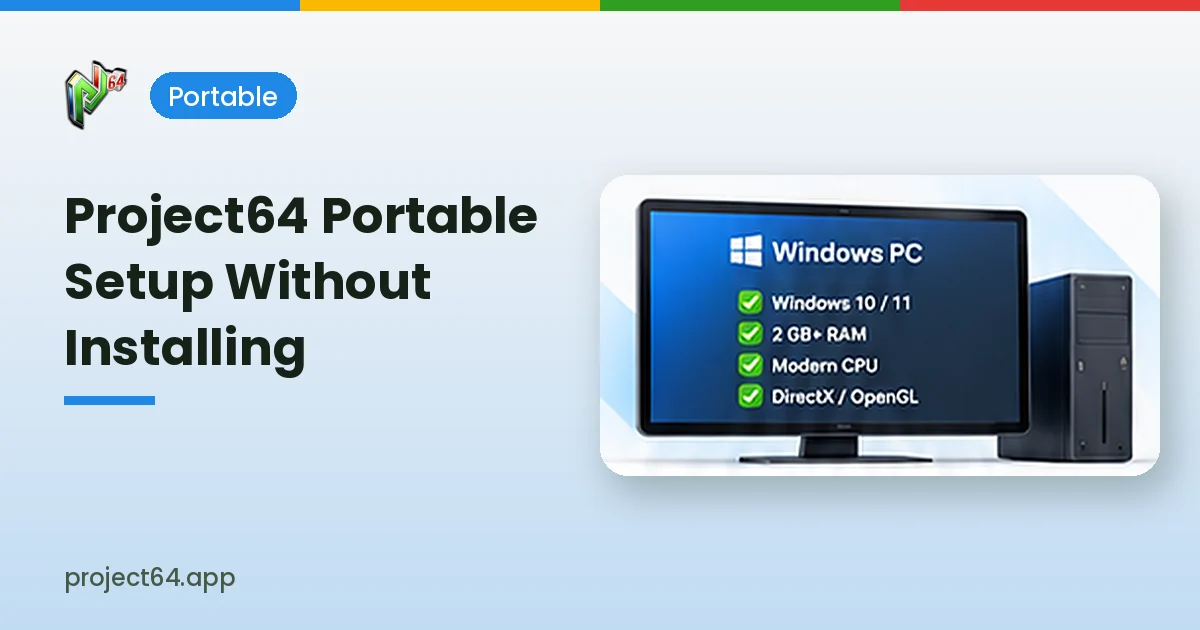
Requirements listed in current development documentation include 64-bit Windows 10 or Windows 11, an Intel or AMD processor of 1 GHz or faster with SSE2 support, 2 GB of RAM and graphics hardware compatible with the selected plugin. Older versions may have different requirements.
Integrated graphics can run many games but may struggle with demanding plugins at high resolutions. Updating graphics drivers is one of the simplest ways to avoid visual glitches.
Common Issues After Updating
Switching from an older version can expose differences in default plugins or settings. A game that looked fine on an older release may need a different video plugin, while saves made with save states in one version may not load reliably in another.
- Keep in-game saves as a backup alongside save states.
- Reset a problematic game’s settings to default before changing many options.
- Test another video plugin when a black screen or missing textures appear.
Organising Your Game Library
The ROM browser makes it easier to find titles once your game folder is set. Keeping files in one dedicated folder, with clear names, lets the emulator list them neatly and reduces the chance of opening the wrong file or a damaged copy.
Large collections benefit from consistent naming and a separate folder for test files. Only use game files you are legally entitled to use, and keep backups of your own saves.
| Tip | Benefit |
|---|---|
| One dedicated game folder | Faster browsing in the ROM list |
| Clear file names | Easier identification of titles |
| Separate test folder | Keeps your main library tidy |
Using Save States Wisely
Save states capture the exact moment of gameplay, which is useful for difficult sections. They depend on the emulator version and settings, so relying only on save states can be risky if you later update or change plugins.
- Make regular in-game saves alongside save states.
- Use different state slots for different points in a game.
- Avoid overwriting your only state slot before a difficult section.
Keeping the Emulator Updated
Checking the official website or the GitHub repository from time to time keeps you informed about newer releases. Before updating, copy your save folder so that progress stays safe even if the new version behaves differently.
Reporting Problems With a Release
Clear reports help improve future versions. When a game misbehaves in 3.0.1, note the title, the plugins selected and the exact steps that trigger the issue, then search existing GitHub issues before opening a new one with those details.
Screenshots or short notes about when the problem first appeared make a report even more useful, particularly when a game worked correctly in an earlier version.
Frequently Asked Questions
Yes. Project64 is free, open-source software released under the GPL-2.0 licence.
Not always. In-game saves are more reliable when moving between versions than save states.
Use the official Project64 website or the recognised GitHub repository for releases and tags.
Conclusion
Project64 3.0.1 remains a well-known stable reference point for Nintendo 64 emulation on Windows. It combines plugin choice, save states, controller mapping and fullscreen play in a dependable package. Start with sensible defaults, keep in-game saves as backups and visit our download section to reach the repository.