Project 64 Android is a frequent search for players who want to enjoy Nintendo 64 games on a phone or tablet. Public references list Android among the platforms associated with the Project64 codebase, yet the standard supported desktop release targets Windows, and mobile availability has changed over time.
Project64 and the Android Platform
The Project64 repository on GitHub has included Android-related work during its development history, which is why some encyclopedia entries mention Android alongside Windows. That history does not mean a current, polished Android release is always available through mainstream app stores.
The emulator’s primary focus remains Windows computers. Features such as the plugin system, controller configuration and graphics options are documented and supported most thoroughly on the desktop version, which is what most guides and community help refer to.
Why Windows Remains the Main Release
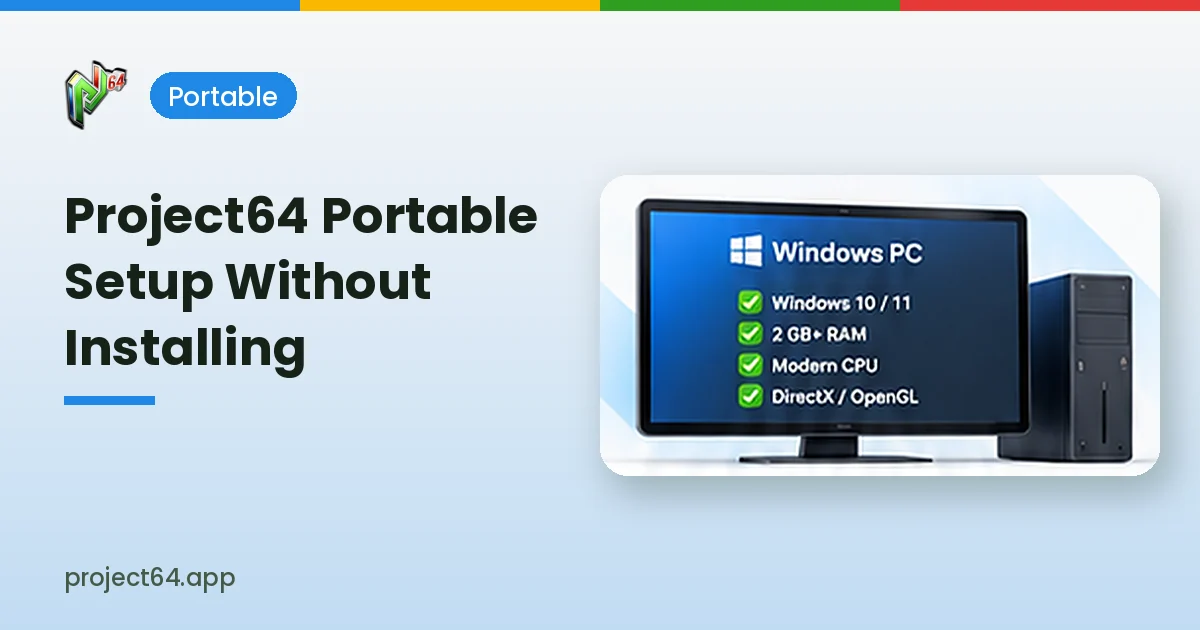
Project64 was built around Windows from its earliest versions. The interface, plugin architecture and build tools are designed for that environment, and the system requirements published for current development list 64-bit Windows 10 or Windows 11.
| Platform | Status | Notes |
|---|---|---|
| Windows 10 and 11 (64-bit) | Main supported release | Documented requirements and plugins |
| Android | Referenced in project history | Availability varies; check the repository |
| macOS and Linux | Not part of the standard release | Other emulators are usually recommended |
APK Safety on Android Devices
Searches for a Project64 APK often lead to unfamiliar download websites. Repackaged APK files can contain advertising frameworks, tracking tools or harmful code, and they frequently request permissions that an emulator does not need, such as access to contacts or messages.
- Avoid APK files from unknown websites or file-sharing links.
- Review requested permissions before installing any emulator app.
- Keep Google Play Protect enabled on your device.
- Check the project’s GitHub repository for accurate information about builds.
- Remove apps that show unexpected advertising or behaviour.
Playing N64 Games on Mobile Hardware
Nintendo 64 emulation is demanding on some phones, especially for titles with complex graphics. Performance depends on the processor, graphics chip, available memory and the emulator’s rendering approach, so results can differ widely between two devices that look similar on paper.
Touchscreen controls can feel awkward for N64 games that rely on an analogue stick and many buttons. A Bluetooth controller often provides a much more comfortable experience on a phone or tablet.
Controller Tips for Mobile Play
- Pair a Bluetooth gamepad through your device settings before opening the emulator.
- Map the C-buttons to the right analogue stick for camera control.
- Use a phone clip or stand to keep the screen at a comfortable angle.
- Lower internal resolution if a game stutters on your device.
Using Project64 on a Windows PC Instead
Players who mainly want a reliable Project64 experience will find the Windows version far easier to set up. Controller support, save states, fullscreen mode and plugin choice all work as documented, and most help resources are written for the desktop release.
A laptop or desktop with a modest processor can run many N64 games well. Our controller setup guide and graphics plugin guide explain how to tune the desktop version for comfortable play.
Game Files on Phones and Tablets
Game files work the same way on mobile as on desktop: the emulator does not include commercial games. Only use game files you are legally entitled to use, and be cautious with websites that bundle games inside installers or ask you to install extra apps.
Understanding Performance Differences
Desktop processors generally handle N64 emulation with more headroom than phones, which have to balance performance against heat and battery life. A phone that runs smoothly for a few minutes may slow down once it warms up, especially during longer gaming sessions.
Battery saver modes can also reduce performance by limiting processor speed. Plugging the device in and disabling aggressive power saving often makes gameplay smoother on mobile hardware.
| Factor | Effect on Mobile Play |
|---|---|
| Processor speed | Main influence on emulation smoothness |
| Thermal throttling | Can slow games during long sessions |
| Battery saver | May limit performance to save power |
| Screen size | Affects how comfortable touch controls feel |
Checking Information Before Installing
Accurate information about Project64 builds is easiest to find on the project’s GitHub repository and official website. Third-party listings may show outdated descriptions, misleading screenshots or version numbers that do not match any real release.
- Compare the app name and developer with official project information.
- Read recent reviews for reports of unexpected advertising.
- Check that update dates and version details make sense.
- Uninstall apps that request permissions unrelated to gaming.
Keeping Saves Safe on Mobile
Mobile storage permissions differ between Android versions, and uninstalling an app can remove its data. Copying save files to a separate folder or cloud storage protects your progress if you change devices or reinstall software.
Choosing the Right Setup for You
Players who travel often may value a mobile option, while those who play mostly at home will usually be happier with a Windows PC connected to a monitor or television. Thinking about where you play most helps decide where to spend setup time.
Whichever device you choose, use trustworthy sources, keep your own saves backed up and only use game files you are legally entitled to use.
Frequently Asked Questions
Availability has changed over time. Check the Project64 GitHub repository and official website for current information rather than relying on third-party listings.
The Windows release is built for Windows computers and is not designed to run directly on Android devices.
APK files from unknown websites carry real risks. Avoid them and rely on trustworthy sources only.
A Windows 10 or Windows 11 PC offers the most complete and best-documented Project64 experience.
Conclusion
Project 64 Android has appeared in the emulator’s history, but the main supported release is built for Windows, and mobile availability changes over time. Avoid APK files from unknown websites, check the official repository for accurate details and use the desktop version for the most reliable experience. Visit our download section to get started on Windows.